The safety checklist I run before every flight
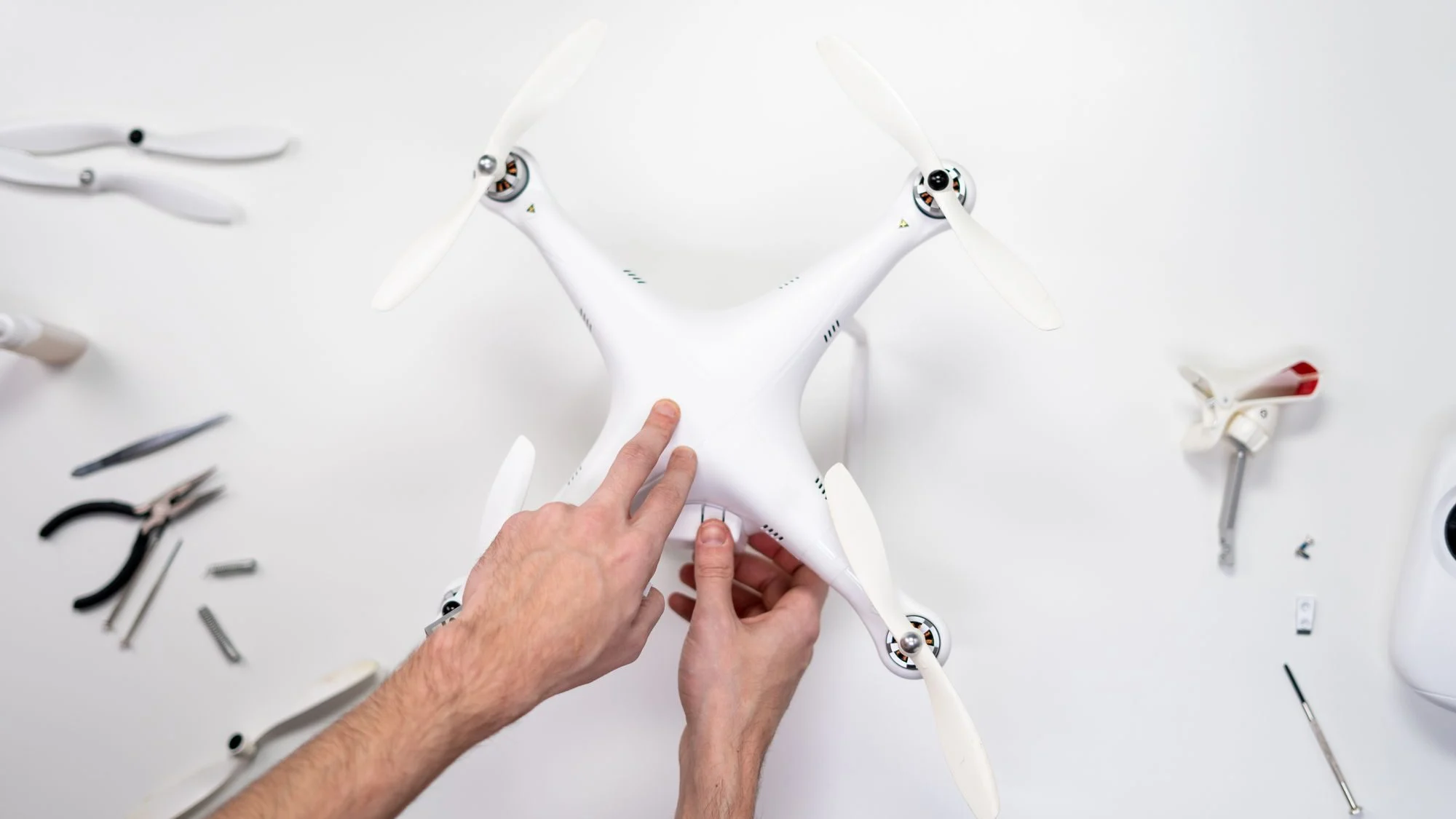
In aviation there is a habit I love: no matter how experienced a pilot is, they always use a checklist. It is not a lack of self-confidence; it is acknowledging that memory fails when there is rush, pressure or fatigue. The same is true with drones.
This is the list I go through before every flight, whether it is a job for a client or a practice session. I split it into five blocks so I do not skip anything.
1. Planning at home
Safety starts before you leave. In this block I check:
- Airspace. I check whether the area is in controlled airspace and whether I need authorization. Near airports I request it well in advance.
- Temporary flight restrictions. Events, emergencies or official visits can close the airspace temporarily. I always check on the day of the flight.
- Site permission. Being allowed to fly under the rules does not mean you can take off from any property. I ask the owner or the person in charge of the site.
- Flight goal. I define which shots I need and in what order. A clear plan cuts time in the air and reduces risk.
2. Weather
Weather is behind many incidents. Before leaving, and again on site, I check:
- Wind at the surface and at altitude. If gusts exceed what the drone can handle with margin, I do not fly.
- Precipitation and humidity. Most consumer drones are not built for rain.
- Visibility. I have to keep the drone within visual line of sight for the whole flight; fog or haze makes that harder.
- Temperature. Cold reduces battery performance, and extreme heat is hard on batteries too.
3. Equipment
This is where I see the most mistakes, because they are small details people take for granted:
- Propellers. I check for cracks, nicks or warping, and make sure they are properly attached.
- Batteries. All charged, with no swelling and at a suitable temperature.
- Drone body. Arms, landing gear and gimbal free of damage or loose parts.
- Camera and lens. Clean lens, gimbal cover removed and a memory card with free space.
- Remote controller and device. Both charged, with the app updated and maps downloaded if I am heading somewhere without coverage.
- Firmware. I update at home, never in the field right before a job.
- Remote ID and registration. I confirm that remote identification works and that the registration number is visible.
4. At the launch site
On site, before starting the motors:
- I find a clear takeoff spot, flat and away from people, vehicles and obstacles.
- I identify hazards: power lines, trees, antennas, birds or structures that could interfere with the signal.
- I check the GPS signal and wait until enough satellites are locked before taking off.
- I set return-to-home at an altitude that clears the tallest obstacles in the area.
- I brief my team. If I work with a visual observer, we go over the plan and the signals together.
- I do a short hover test a few meters up to confirm everything responds as it should.
5. Emergency plan
I hope I never use it, but I always have it clear:
- What I do if I lose signal. I know the drone's configured behavior and I have a safe landing area identified.
- What I do if the battery drops faster than expected. I prioritize landing with margin over getting the shot.
- What I do if someone walks into the flight area. I move away, climb safely or land.
- Who I call if there is an accident. Under Part 107, accidents involving serious injury, loss of consciousness or property damage over $500 must be reported to the FAA within 10 days.
After the flight
The list does not end at landing. I download and back up the footage, check the condition of the propellers and batteries, and note any odd behavior in my flight log. That log helps me catch problems before they turn into an incident.
Why I always follow it
There are days when everything seems fine and the list feels unnecessary. Those are exactly the most dangerous days, because confidence lowers your attention. Following the same routine every time turns safety into a habit and frees my mind for what actually adds value: flying well and getting the shot the project needs.
I recommend taking this list as a starting point and adapting it to your equipment and type of work. Print it, keep it on your phone or tape it inside your case lid. What matters is that you always use it.
Would you add anything to this list? Leave it in the comments and let's improve it together.

Comments